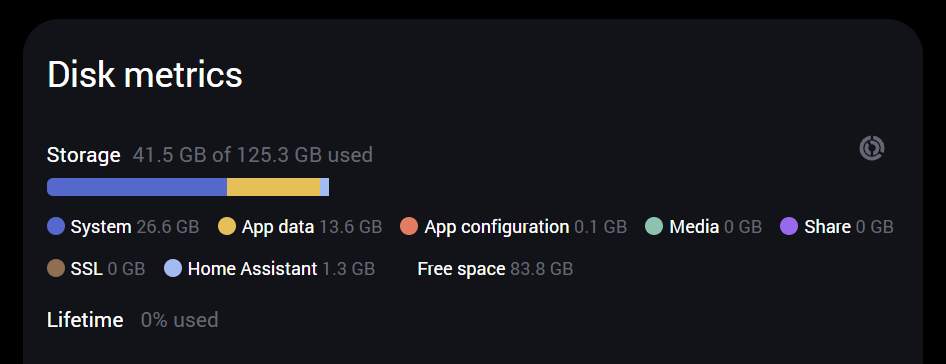
We’ve all been there..we notice the disk space used by Home Assistant growing and also its backups are growing in size. We clean whatever we can, uninstall apps/plugins etc. but it doesn’t seem to prevent the backups from growing bigger and bigger.
Since I myself couldn’t really find guides on how to do this I’ll share some tips&tricks in this post that’ll allow one to determine what’s filling up that database and perform maintenance tasks like removing all database records related to one or more Home Assistant entities like a sensor or automation. This may be particular useful for people running Home Assistant on resource constrained hardware like Raspberry Pi’s.
The Home Assistant database is a SQLite database and it is stored in the /config directory. In my case, running HAOS it’s named home-assistant_v2.db

The db-shm and db-wal files are temporary, auxiliary files generated by SQLite when operating in Write-Ahead Logging (WAL) mode. The .db-wal file temporarily stores uncommitted data writes, while the .db-shm file acts as a shared memory index for fast lookups. Together, they improve database write speed and concurrency.
Tooling
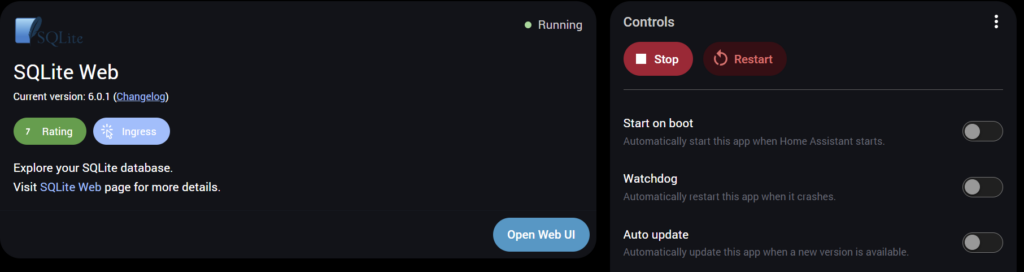
To perform actions on the database we need tooling to do this. I myself am using the excellent Home Assistant Community App SQLite Web. You can find it in the HA App Store and it provides a web interface inside Home Assistant to make this easier.
Once you’ve installed the app and started it you can open the WebUI.
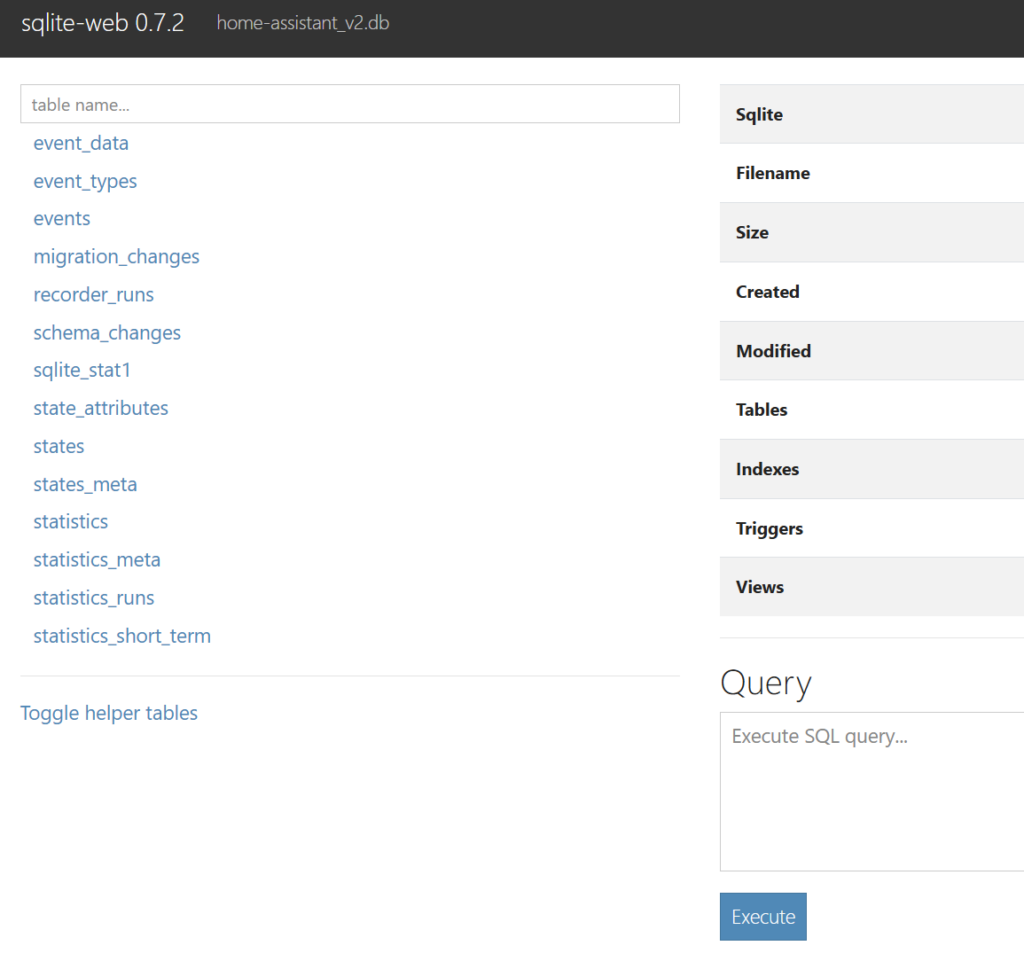
In the ‘Query’ box with the ‘Execute’ button under it we can enter SQL queries and commands. The first thing I do before making any changes is make a backup, using the general backup functionality of HA. The SQLite-web app is very powerful so it’s nice knowing you can go back when needed.
Second thing I generally do is perform an integrity check and check for broken constraints, for that I just copy-paste the two commands below (in series not together) into the query box.PRAGMA integrity_check;PRAGMA foreign_key_check;
The first command should return a simple ‘ok’ and the second should return ‘Empty result set’.
Read-only commands
Below some read-only commands as a ‘cheat sheet’ to look at what’s stored in the database.
Check for orphans
SELECT 'orphan state_attributes' AS check_naam, COUNT() AS aantal FROM state_attributes WHERE attributes_id NOT IN (SELECT attributes_id FROM states WHERE attributes_id IS NOT NULL) UNION ALL SELECT 'orphan event_data', COUNT() FROM event_data
WHERE data_id NOT IN (SELECT data_id FROM events WHERE data_id IS NOT NULL)
UNION ALL
SELECT 'orphan statistics', COUNT(*) FROM statistics
WHERE metadata_id NOT IN (SELECT id FROM statistics_meta);
Table sizes
SELECT
    m.entity_id,
    COUNT(*) AS aantal_states,
    MIN(datetime(s.last_updated_ts, 'unixepoch', 'localtime')) AS oudste,
    MAX(datetime(s.last_updated_ts, 'unixepoch', 'localtime')) AS nieuwste
FROM states s
JOIN states_meta m ON s.metadata_id = m.metadata_id
GROUP BY m.entity_id
ORDER BY aantal_states DESC
LIMIT 60;
To have a detailed look at logged states of a specific entity and its attributes:
SELECT
    s.state,
    datetime(s.last_updated_ts, 'unixepoch', 'localtime') AS tijdstip,
    sa.shared_attrs
FROM states s
JOIN states_meta m ON s.metadata_id = m.metadata_id
JOIN state_attributes sa ON s.attributes_id = sa.attributes_id
WHERE m.entity_id = 'yourentity'
ORDER BY s.last_updated_ts DESC
LIMIT 10;
States:
SELECT
    m.entity_id,
    COUNT(*) AS aantal_states,
    MIN(datetime(s.last_updated_ts, 'unixepoch', 'localtime')) AS oudste,
    MAX(datetime(s.last_updated_ts, 'unixepoch', 'localtime')) AS nieuwste
FROM states s
JOIN states_meta m ON s.metadata_id = m.metadata_id
GROUP BY m.entity_id
ORDER BY aantal_states DESC
LIMIT 30;
Statistics:
SELECT
    sm.statistic_id,
    COUNT(*) AS aantal
FROM statistics s
JOIN statistics_meta sm ON s.metadata_id = sm.id
GROUP BY sm.statistic_id
ORDER BY aantal DESC
LIMIT 30;
Write commands
I’ll list some example commands that make changes. However as an extra safeguard one can verify before deleting anything using a count function, the result should resemble whatever you’d like to delete.
SELECT
    m.entity_id,
    COUNT(*) AS to_delete
FROM states s
JOIN states_meta m ON s.metadata_id = m.metadata_id
WHERE m.entity_id IN (
    'your entity 1',
    'your entity 2',
    'your entity 3'
)
OR m.entity_id LIKE 'sensor.ip%'
GROUP BY m.entity_id
ORDER BY to_delete DESC;
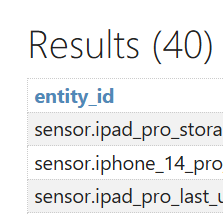
Note that in this example also does a wildcard search for all entities that are named ‘sensor.ip*’. The result will give you a list of entities and the number of records.
The commands below change the database contents so be careful!
Step 1 – Remove ‘states’ or ‘statistics’ (short and long term)
DELETE FROM states
WHERE metadata_id IN ( SELECT metadata_id FROM states_meta WHERE entity_id IN ( 'sensor.ld2410_berging_radar_still_energy', 'sensor.bed_presence_hx711_value', 'sensor.watermeter_process_state'
);
DELETE FROM statistics
WHERE metadata_id IN (
SELECT id FROM statistics_meta WHERE statistic_id IN ( 'sensor.ld2410_berging_radar_still_energy', 'sensor.bed_presence_hx711_value', 'sensor.watermeter_process_state'
);
DELETE FROM statistics_short_term
WHERE metadata_id IN ( SELECT id FROM statistics_meta WHERE statistic_id IN ( 'sensor.ld2410_berging_radar_still_energy', 'sensor.bed_presence_hx711_value', 'sensor.watermeter_process_state'
);
Optionally you can also remove the meta data. But only do this when the entity no longer exists or will never write statistics again:
DELETE FROM statistics_meta
WHERE statistic_id IN (
OR statistic_id LIKE '%esp32_temperature%';
Step 2 – Remove orphaned state_attributes
These ‘orphaned’ state_attributes are the result of step 1. So here we’ll clean these up as well.
DELETE FROM state_attributes
WHERE attributes_id NOT IN (
SELECT attributes_id FROM states WHERE attributes_id IS NOT NULL
);
Step 3 – Clean-up
Step 1 and 2 removed records but these are still taking up space inside the database. The following command will free that space:
VACUUM;
Some time after Home Assistant will compact the database but one can force this using the command below. A restart of Home Assistant should also do the trick. I’ve noticed it doesn’t always happen and depending on the size of your database and speed of the machine hosting it, it could take some time so be patient. 🙂
PRAGMA wal_checkpoint(TRUNCATE);
Exclude entities from being ‘recorded’
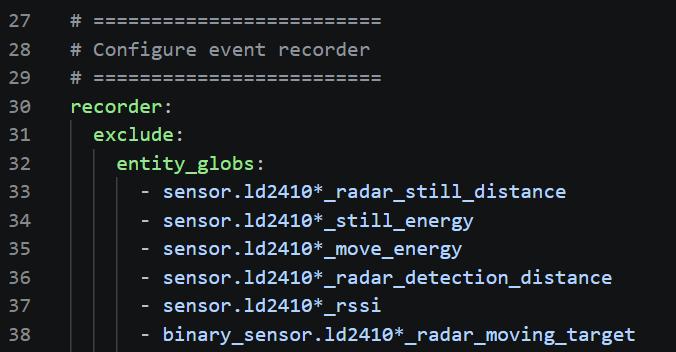
To prevent entries taking up space one can exclude these from being recorded. This can be done by editing your configuration.yaml file in the /config directory. In it you’ll find an entry ‘recorder:’ but if it’s not there you can add it. See detailed instructions on the Home Assistant website.
One can use wildcards here, so like my example below I exclude all entities named ‘sensor.ld2410*_radar_still_distance’, the wildcard here selects all characters in that spot.